

Planning to Switch Your Cloud or Digital Workplace? 7 Things Every Business Should Check First
Moving from one technology platform to another is not simply about transferring data. It is about ensuring that your people, processes and business operations continue to work.
Businesses change technology platforms for many reasons. Sometimes the existing solution becomes expensive. Sometimes a growing team needs better collaboration, stronger security or easier administration. In other cases, an organisation has accumulated several disconnected tools and wants to bring them together.
A company might consider moving from Google Workspace to Microsoft 365, switching from traditional email hosting to a modern workplace platform, adopting Zoho Workplace, or migrating applications and infrastructure to another cloud provider.
Whatever the reason, one question deserves attention before making the switch:
Will the new environment genuinely solve the problems that prompted the change?
A successful migration begins with understanding the business, not choosing the technology.
Here are seven areas every organisation should evaluate before making a move.
1. Understand Why You Want to Switch
Before comparing providers or requesting quotations, identify what is not working in your current environment.
Are employees struggling to collaborate? Are licensing costs increasing? Does your IT team spend too much time managing user accounts? Are there concerns about security, access controls or business continuity?
These questions matter because changing platforms does not automatically resolve underlying problems.
For example, a business experiencing poor document management may not need a completely new workplace platform. It may need clearer access permissions, better folder structures or employee training.
Similarly, moving applications to another cloud provider will not necessarily reduce costs unless the underlying architecture and resource usage are reviewed.
Start with the business problem. Then determine whether migration is the right solution.
2. Know Exactly What Needs to Move
One of the most common planning mistakes is underestimating what exists in the current environment.
For a digital workplace, migration may involve:
- Business email and historical mailboxes
- Calendars, contacts and shared mailboxes
- Files stored in individual and shared drives
- User accounts, groups and permissions
- Collaboration tools and connected applications
- Email aliases, distribution lists and domain settings
For cloud infrastructure, the scope can be very different. It may include virtual machines, databases, applications, storage, networking configurations and integrations with other systems.
Not everything can be transferred in the same way. Some items may require specialised migration tools, manual configuration or changes to the way employees work.
A proper inventory helps establish what can move, what needs rebuilding and what should be retired.
It also makes quotations more meaningful because everyone is working from a defined scope.
3. Check Compatibility Before Committing
A platform may offer excellent features and still be unsuitable for a particular business.
Consider a company that relies heavily on spreadsheets with complex formulas, macros or third-party integrations. Moving to another productivity suite without testing those files could create unexpected difficulties.
The same applies to applications hosted in the cloud. Software dependencies, operating systems, database versions, network configurations and licensing conditions can influence migration feasibility.
Before selecting a destination platform, identify the applications and workflows that are critical to daily operations.
Where necessary, test them in the proposed environment.
A successful data transfer does not always mean a successful business transition. Employees must still be able to perform their work.
4. Review Security, Access and Compliance Requirements
Security should be part of migration planning from the beginning, not an activity postponed until after the move.
A new platform may provide stronger security capabilities, but those capabilities still need appropriate configuration.
Depending on the organisation’s requirements, the assessment may include:
- Multi-factor authentication
- User access and administrative privileges
- Data-sharing permissions
- Device management and endpoint protection
- Data retention and backup requirements
- Logging, monitoring and incident response
- Applicable regulatory or contractual obligations
Organisations working with sensitive customer information may also need to review data residency, confidentiality commitments and industry-specific requirements.
It is important to distinguish between features a provider offers and controls the organisation has actually implemented.
Simply moving to a well-known cloud platform does not make a business secure or compliant.
5. Calculate the Total Cost, Not Just the Subscription Price
Subscription pricing often receives the most attention during platform comparisons.
However, the lowest advertised monthly rate is not necessarily the lowest overall cost.
Businesses should consider the complete financial picture, including licensing, migration services, additional storage, security features, employee training and ongoing administration.
Some organisations may also need to retain their existing platform temporarily while migration and validation take place.
For infrastructure migrations, costs can involve compute resources, storage, network traffic, backup, monitoring and operational support.
There may also be contractual commitments or cancellation conditions associated with the current provider.
A realistic cost comparison should consider both the initial transition and the expected operating expenses afterward.
The objective is not simply to spend less. It is to understand what the business receives for its investment.
6. Plan for Business Continuity
Even a technically straightforward migration can disrupt business if it is poorly coordinated.
Employees may temporarily experience difficulty accessing email, shared files or applications. Changes to authentication or domain settings can also affect connected services.
The level of disruption depends on the systems involved, the migration method and the organisation’s readiness.
A practical migration plan should define:
- The proposed migration sequence
- Responsibilities of the customer and service provider
- Backup and recovery arrangements
- Testing and validation activities
- Communication with affected employees
- Cutover arrangements and contingency measures
- Post-migration support
For larger environments, a pilot migration involving a small group of users or a limited workload may help identify issues before wider deployment.
A rollback or recovery approach should also be considered where technically feasible. Not every migration can be reversed simply by restoring the previous settings.
The goal is to reduce avoidable disruption while ensuring that critical operations remain supported.
7. Think Beyond the Migration Date
A migration project should not end with confirmation that the data has moved.
The organisation must also consider how the new environment will be managed.
Who will create and remove user accounts? Who will review licensing requirements? How will access permissions be maintained? Who will respond when employees encounter problems?
For cloud infrastructure, ongoing responsibilities may include monitoring, patching, backup verification, security reviews and cost optimisation.
Employees may also require guidance to make effective use of the new tools.
Without clear ownership and support arrangements, businesses can gradually recreate the same operational problems they hoped to leave behind.
The transition should therefore include a practical handover, appropriate documentation and defined responsibilities for ongoing operations.
Should Every Business Move to a New Platform?
Not necessarily.
In some situations, the existing environment can be improved through better configuration, stronger security controls, licensing optimisation or more effective employee training.
In others, migration may provide meaningful advantages in collaboration, scalability, administration or long-term cost management.
The right decision depends on the organisation’s current environment, operational needs, technical dependencies and future plans.
That is why an assessment should come before a recommendation.
How HEyeOne Approaches Cloud and Workplace Decisions
At HEyeOne Private Limited, we believe technology decisions should begin with a clear understanding of business requirements.
Our approach is guided by a simple principle:
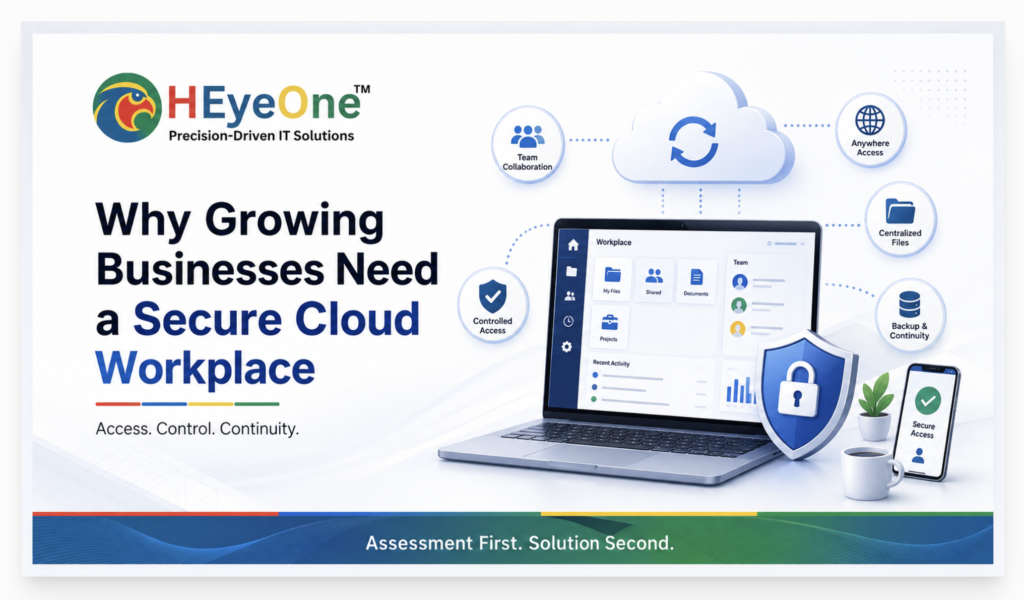
Assessment First. Solution Second.
Whether an organisation is evaluating Microsoft 365, Google Workspace, another digital workplace platform or a cloud infrastructure change, the starting point should be its existing environment, business priorities, risks and expected outcomes.
HEyeOne supports businesses through technology assessment, solution planning and the coordination of suitable implementation and migration services.
Our objective is to help organisations make informed decisions rather than recommend a platform simply because it is popular.
Planning a Cloud or Digital Workplace Change?
If your organisation is considering a move to a different cloud provider, email platform or digital workplace solution, it is worth evaluating the implications before committing to a migration.
Connect with HEyeOne to discuss your current environment, business requirements and potential next steps.
Contact Us: https://heyeone.com/contact/